
Stay Undetected with Proctorless Mode
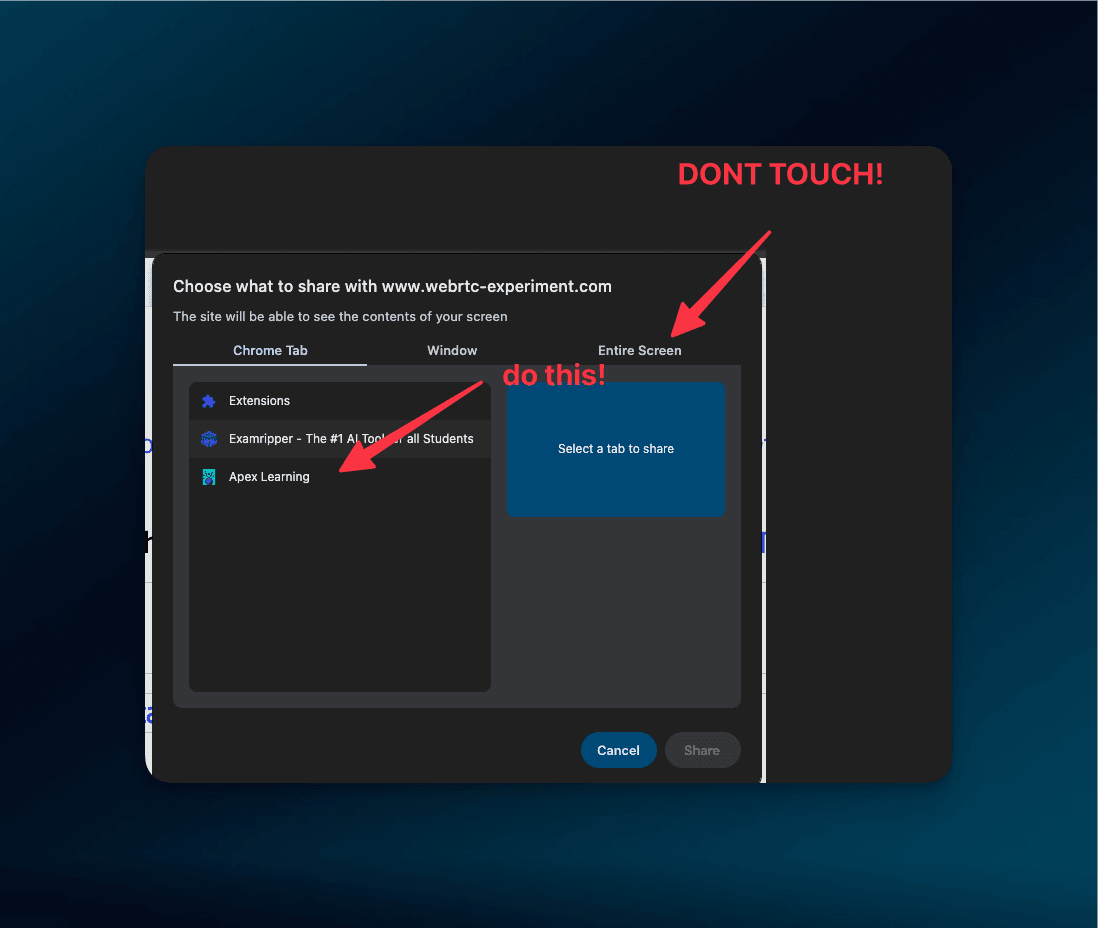
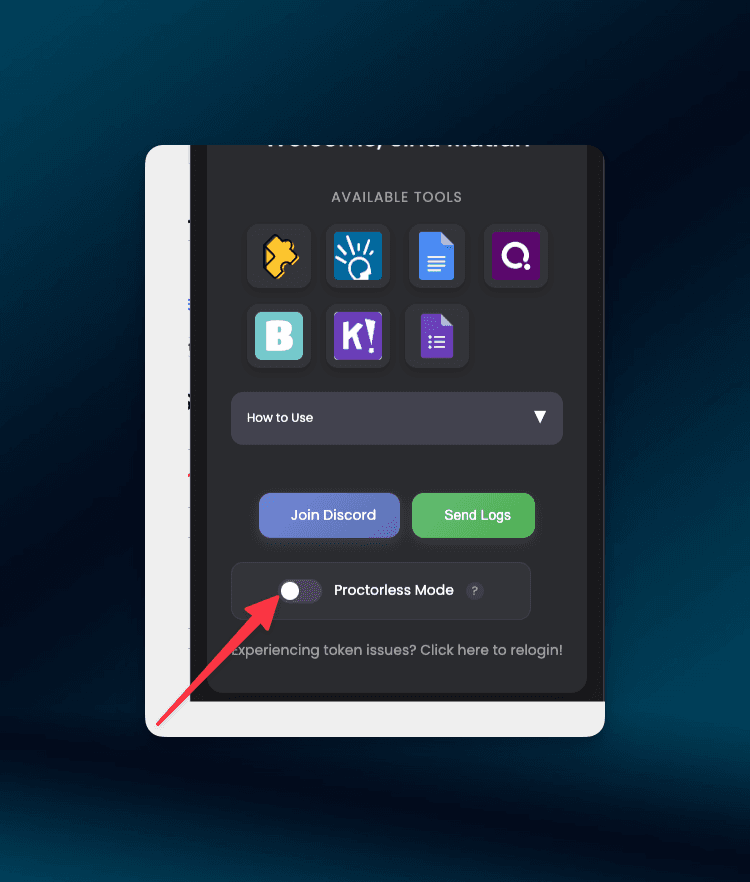
Make your Apex Learning menu invisible while screen sharing on Zoom or Google Meet.
How it works
How It Works
Effortless Precision at Your Fingertips
Go Proctorless Today!
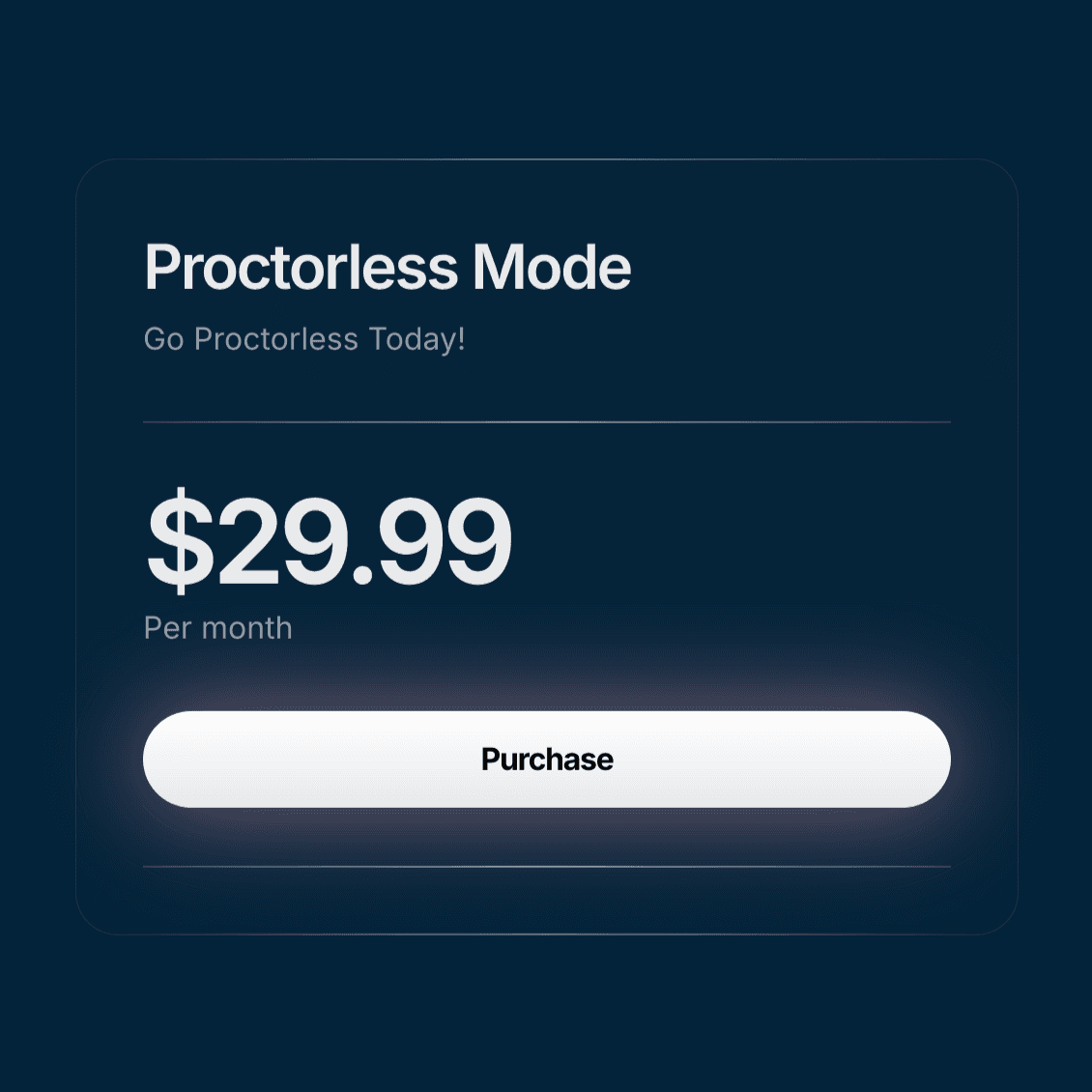
Subscribe for $29.99/month
Make your Apex Learning menu invisible while screen sharing on Zoom or Google Meet.
Effortless Precision at Your Fingertips
Subscribe for $29.99/month